
Recording transcription
Turn existing audio or video files into text you can read, search, and export.
KolWrite
Record or upload, and get an editable transcript with speakers and timestamps, in over 100 languages.
Start TranscribingLive demo
Runs in your browser.
Interactive KolWrite demoInside the app
Search across all your recordings and go straight to the moment you need.
Try the demoUse a file you already have, or record on your phone, your Mac or your watch.
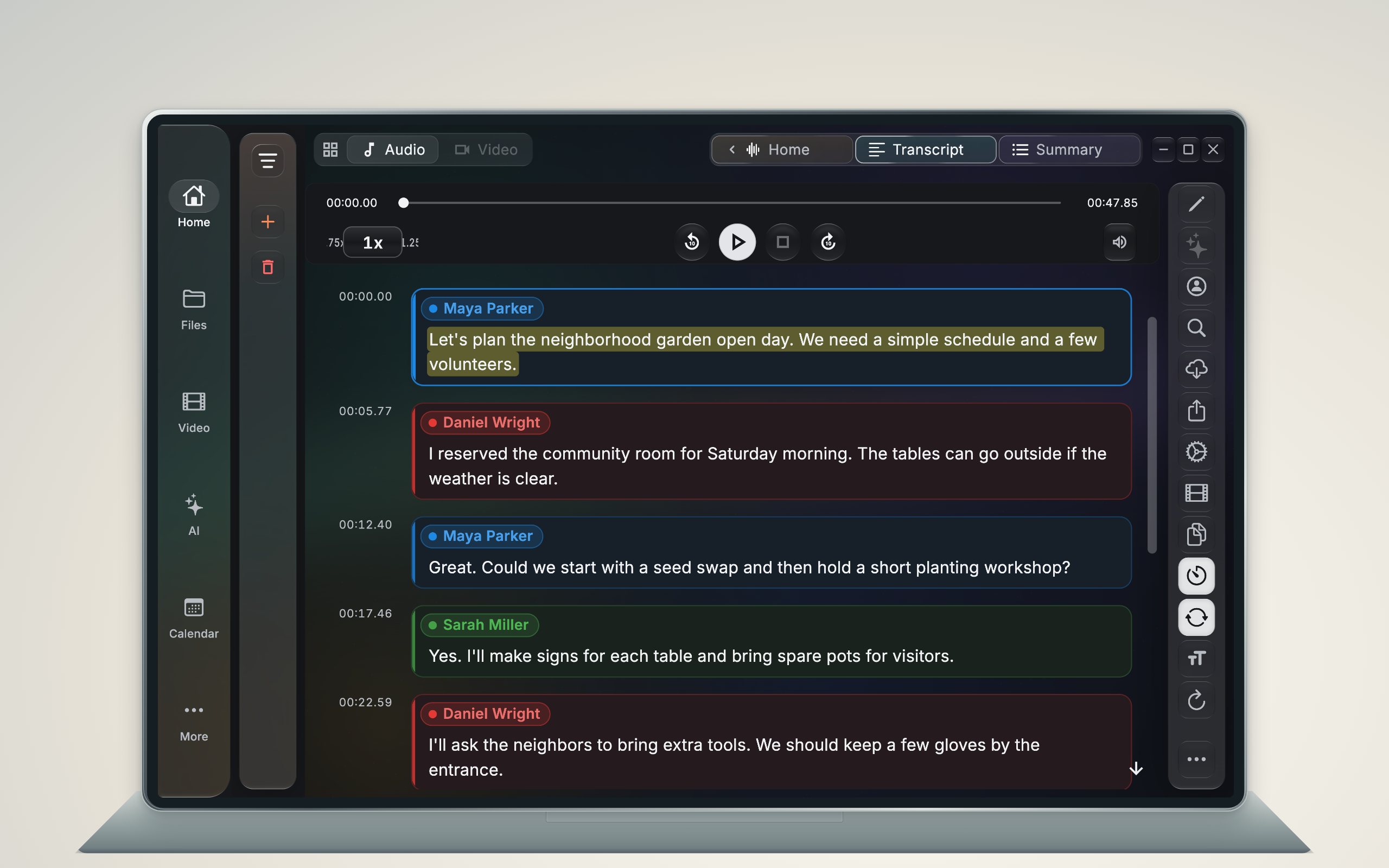
Choose a model, and get text with speakers and timestamps.
Fix a name, ask about a moment, then export or burn subtitles into the video.
Turn existing audio or video files into text you can read, search, and export.
Turn recorded interviews into searchable text, with each speaker clearly marked.
Turn recorded meetings into transcripts, summaries, decisions, and follow-up items.
Upload a Zoom, Teams, or Google Meet recording to get a speaker-labeled transcript, summary, and action items.
Create editable subtitle text from recorded video and export timed SRT files.
Turn a podcast episode or YouTube video into a timestamped transcript and an SRT caption file.
Subtitles and edits start with a transcript that has an exact time on every line. You can export it as an SRT file, translate it into another language, or use it to spot which parts of a video to keep.
Turn a video or audio file into a timed SRT subtitle file that works in any editor or player.
Learn the difference between captions and subtitles, and make both from a single timed transcript.
Create subtitles in another language from one transcript, keeping the original timing.
Use a timestamped transcript to find, cut, and caption the best parts of a video.
You can also run everything KolWrite does with a recording through our API. Send the address of an audio or video file from your own code or an AI coding agent, and you'll get back the transcript with word timings, speaker labels, and an SRT file if you request one.
The JSON output gives you the start and end time for every segment, plus individual word timings on models that support alignment. Turn on speaker separation to include a speaker label on each segment.
Pass output_format as srt if you want subtitles directly from the API. If you are using the Oracle models, you can also set translate_to to get the text back in another language.
The API console publishes plain-text instructions for an agent to read before writing code. This includes agent-instructions.md, along with llms.txt, which links to the full reference.
Example request. The key comes from an environment variable, and the console has the full reference.
curl -X POST https://app.kolwrite.com/transcribe \
  -H "x-api-key: $KOLWRITE_API_KEY" \
  -H "Content-Type: application/json" \
  -d '{"audio_url": "https://example.com/video.mp4", "model": "oracle", "language": "auto", "output_format": "srt"}'
# Returns {"jobId": "..."}. Poll GET https://app.kolwrite.com/transcribe/{jobId}
# until status is COMPLETED. The result is the file or the JSON you asked for.The AI app you already use can work with KolWrite on your computer, with the access you choose. ChatGPT and Claude.ai, with their phone apps, are coming.
Ask your AI app to pull up a recording, read its transcript, fix a word, or turn a meeting into a note. It runs KolWrite's own tools right on your computer.
When an app wants to connect, KolWrite tells you which AI company will receive the data it reads and waits for your OK. The default setting lets the app read and edit on its own, while asking your permission each time it tries to delete, share, or start a credit-using cloud transcription. If you want an app to have full control without asking any questions, you can set that per app.
The demo replays an AI app tidying sample recordings and writing a recap. It is a script: no model runs and nothing leaves your browser.
Inside the app
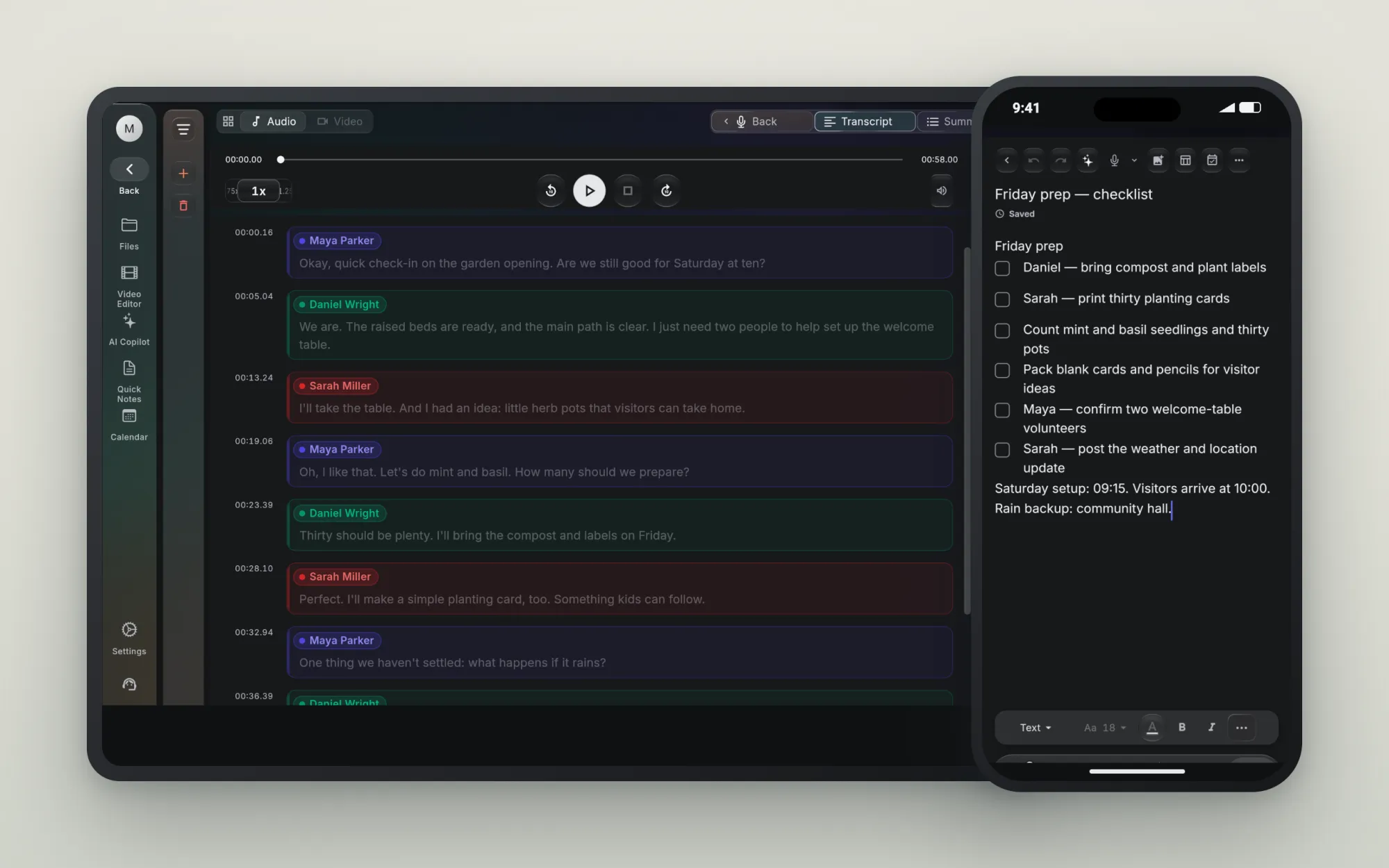
Jot something down while you work, and move between your notes and recordings.
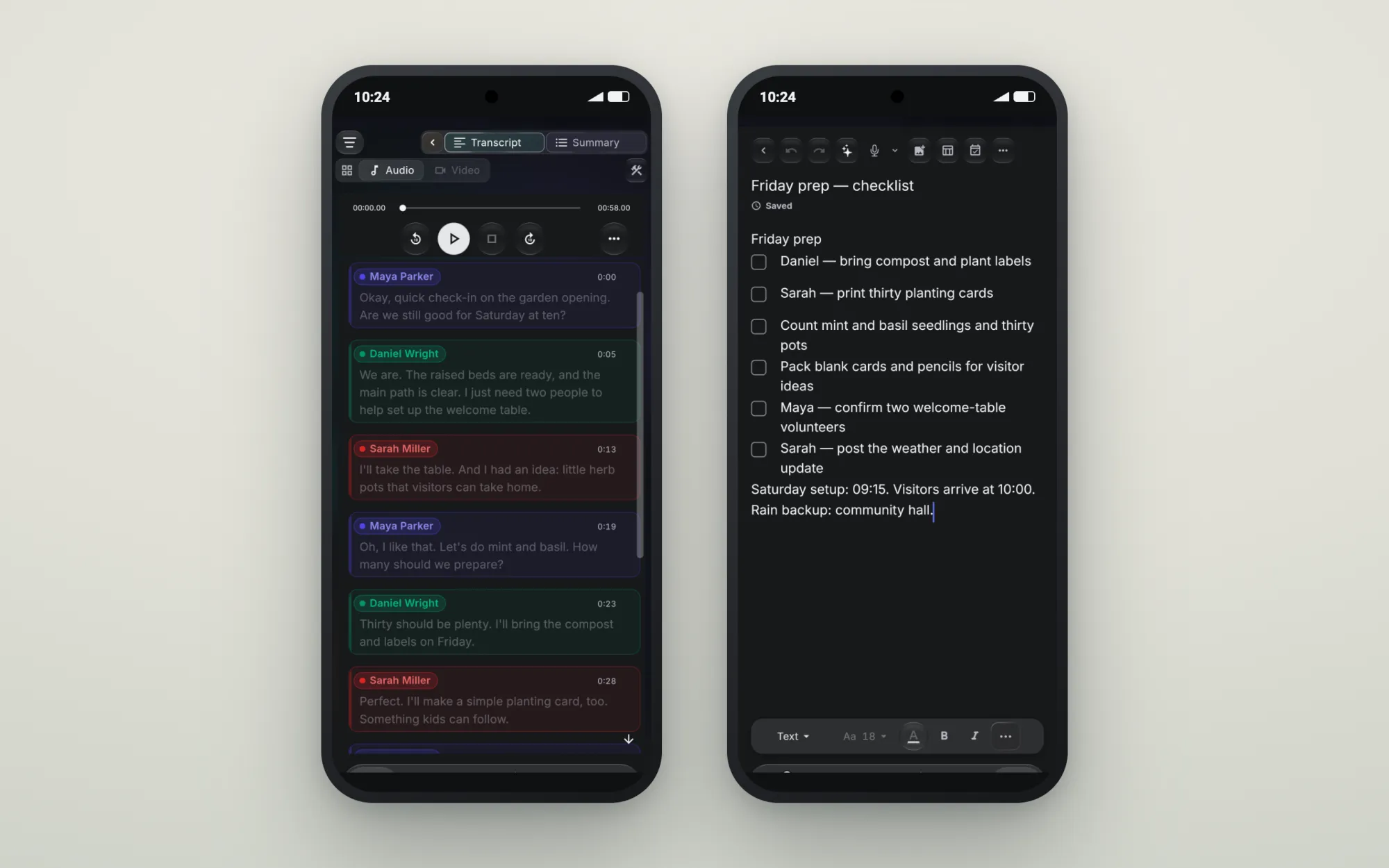
Try the demoOne account on your phone, watch, computer and browser.
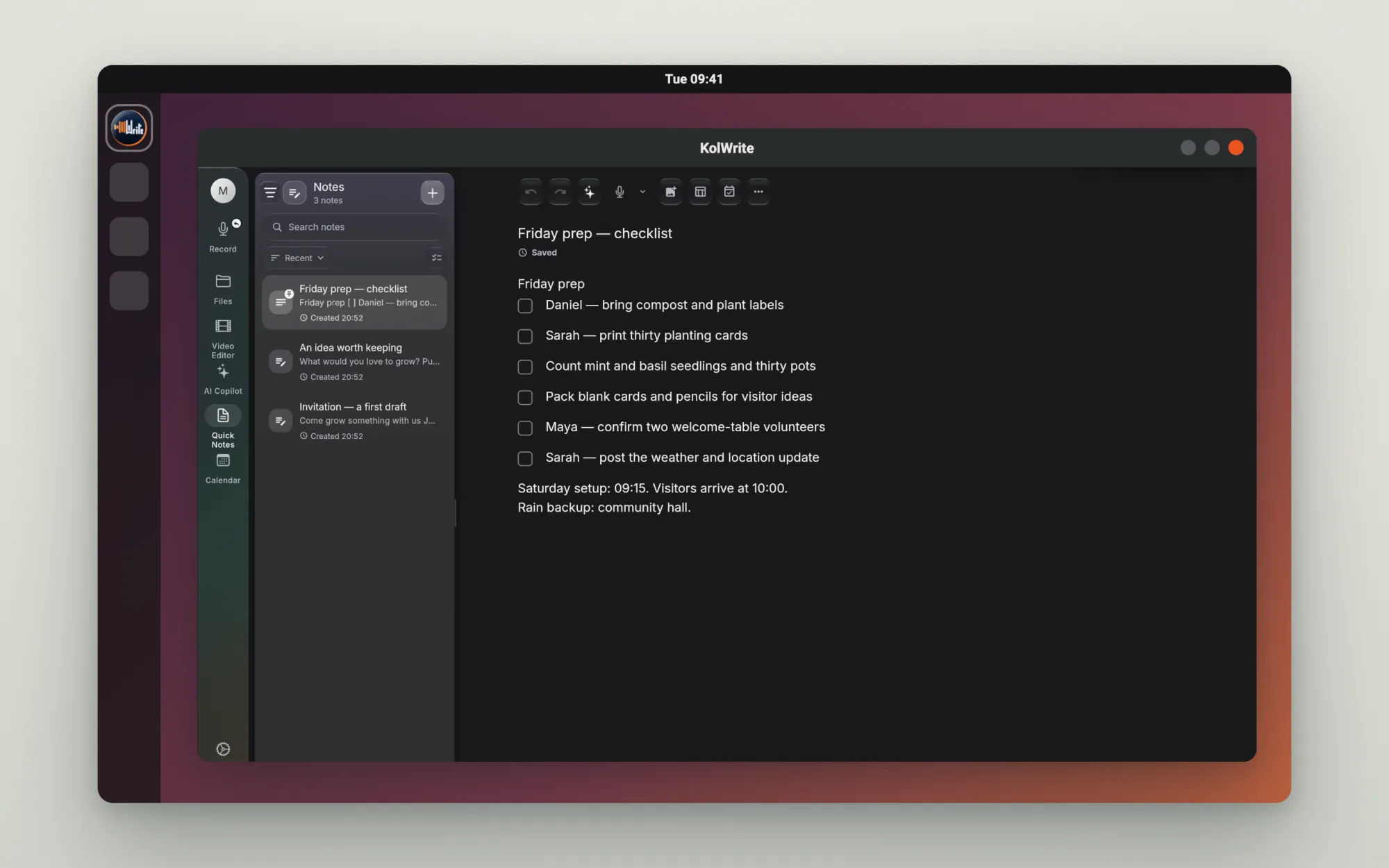
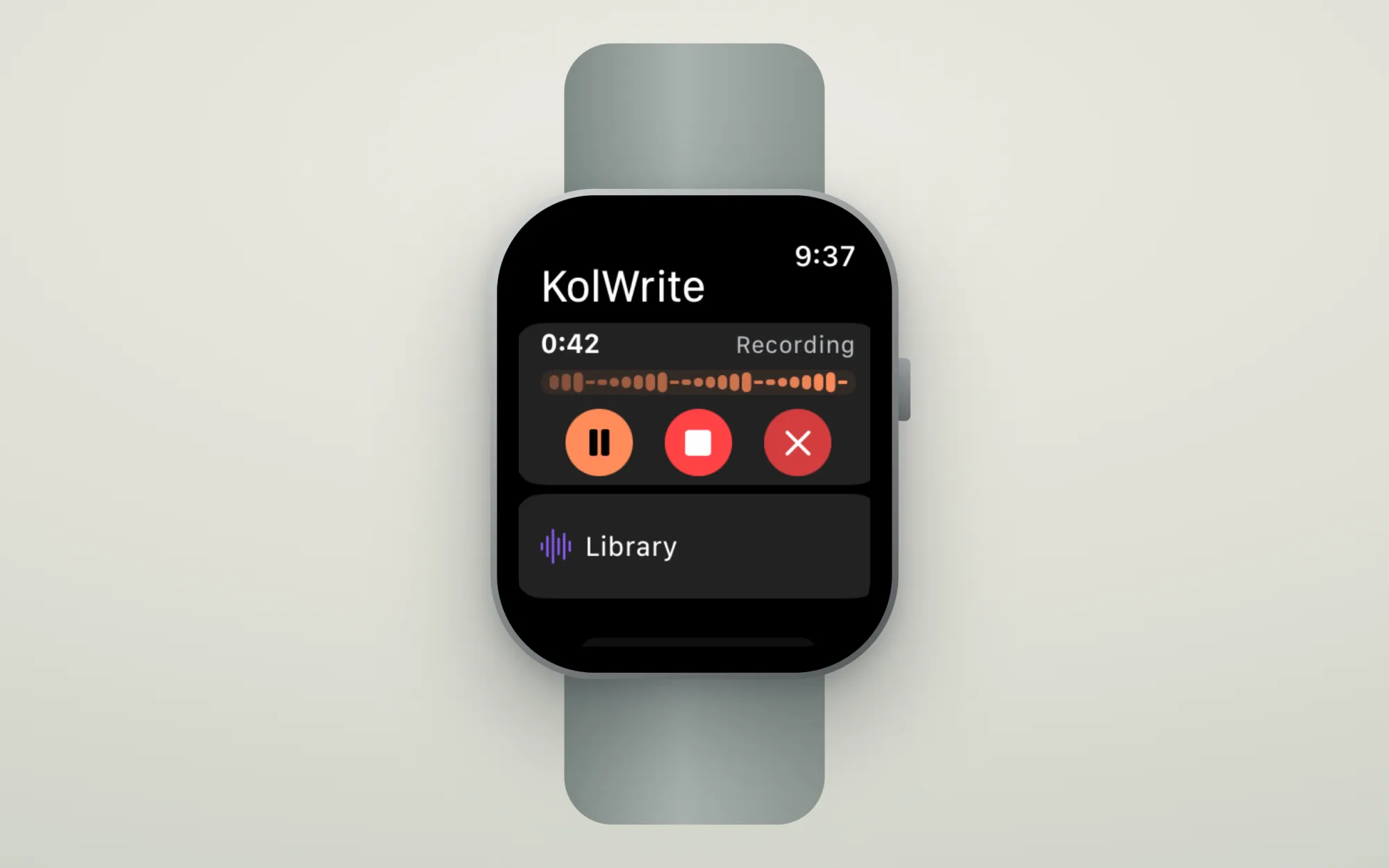
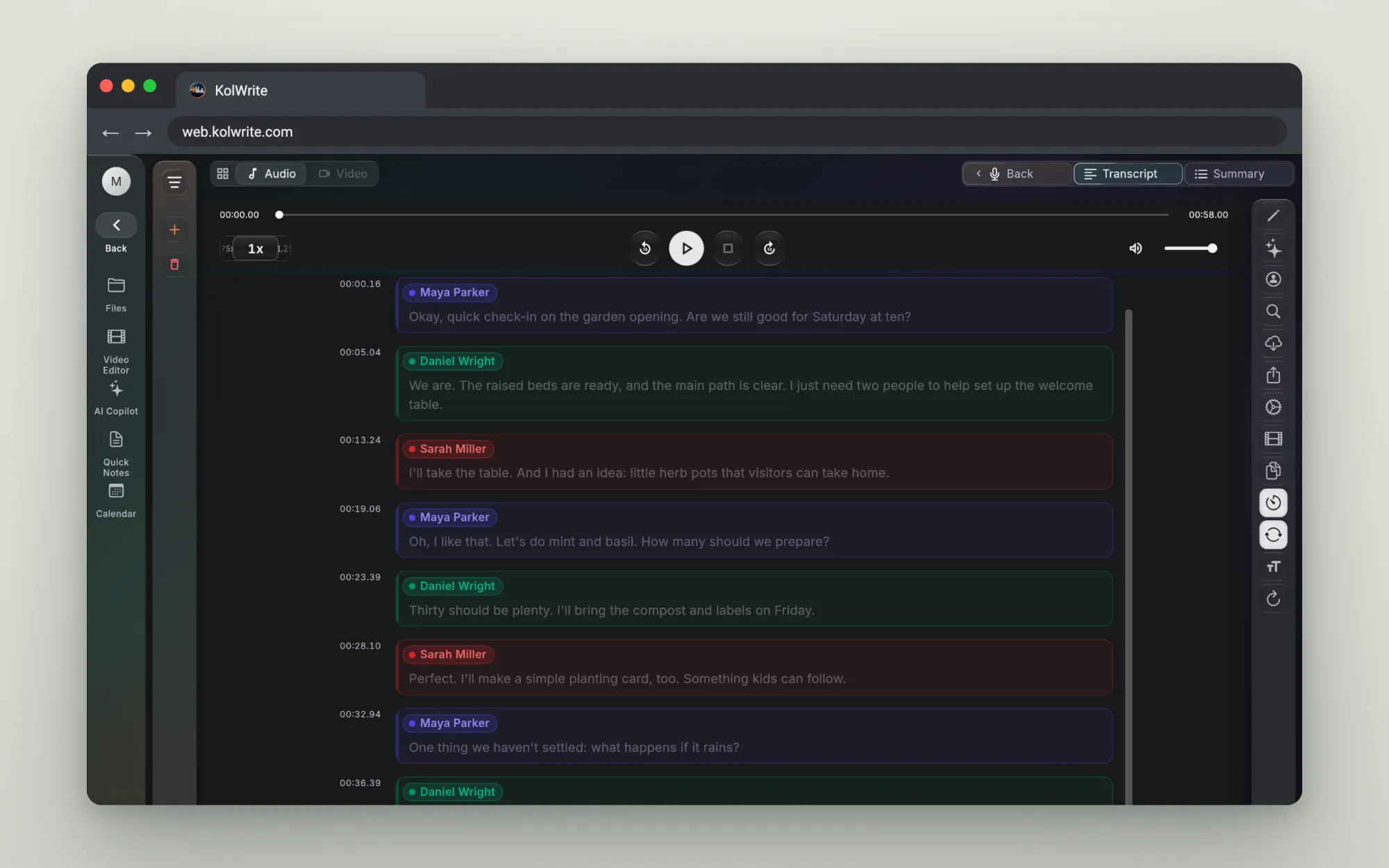
Inside the app
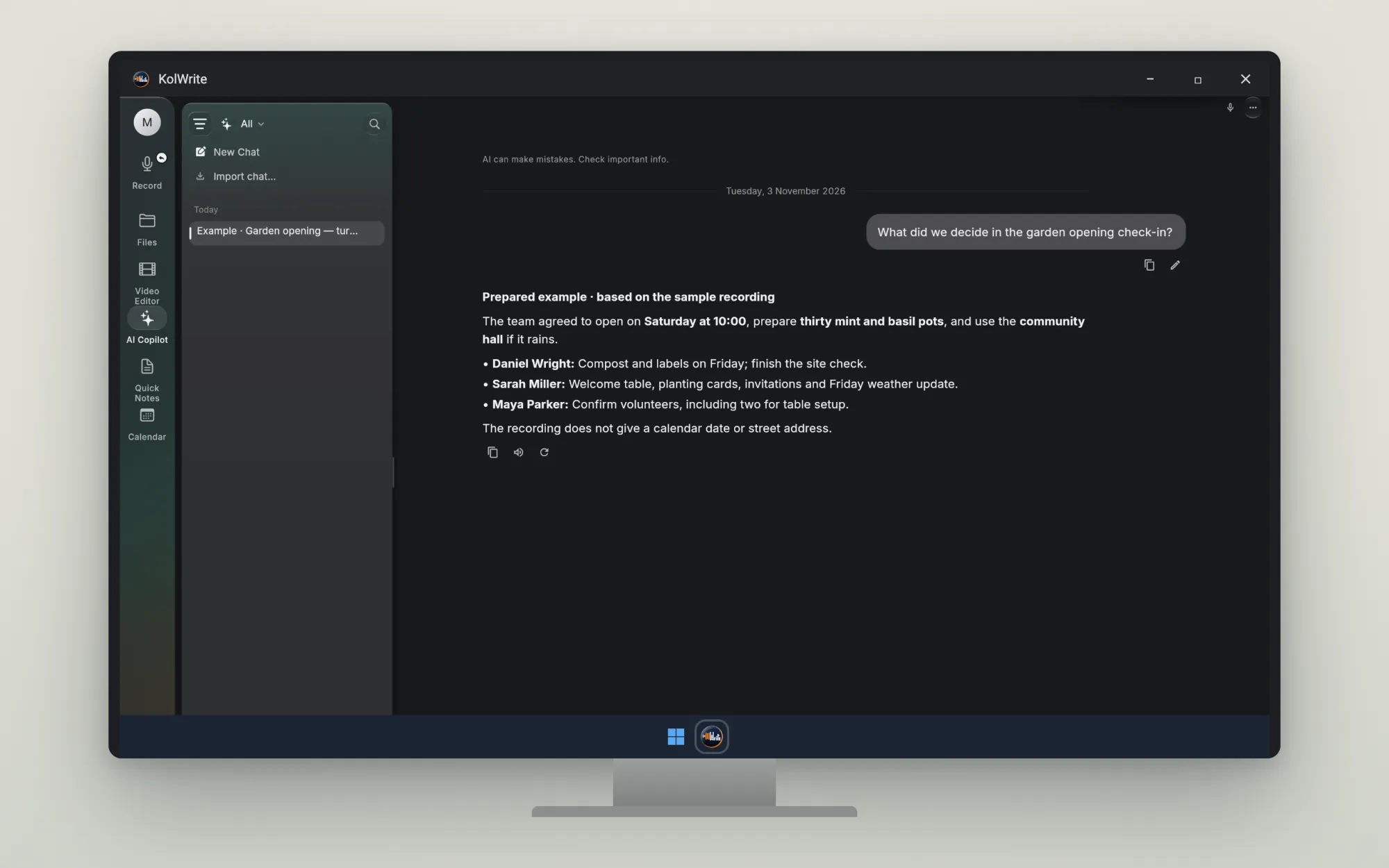
Ask a question about a transcript and go straight to the moment in the audio the answer came from.
Try the demoYour connections and the files you store are encrypted. We don't sell your personal data, and you can delete your recordings, files and account at any time.
Yes, you can change your plan at any time from your account settings.
KolWrite supports transcription in 100+ languages and translation between supported languages.
Thirty minutes a month are free.