The short version
- Speech recognition predicts the most likely text for a stretch of audio. There is no hidden script in the file waiting to be recovered.
- Training on very large multilingual audio made models steadier, though supporting a language does not promise quality in it.
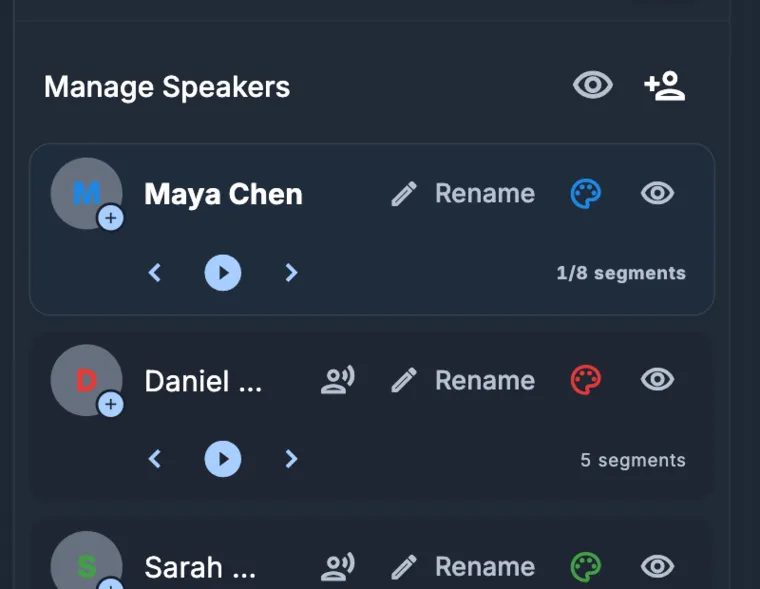
- Speaker labels, timestamps, punctuation, and export are separate components around the recognizer, and each one can fail on its own.
- The microphone and the room usually matter more than the choice of model.
- We keep the audio, timed text, and human corrections in one place because that is where the errors show up.
1. The software receives a signal, not a sentence
Software sees a recording as a long list of numbers, where each number is the air pressure at a single instant. Before the system proposes any words, it cuts the audio into short windows and measures how energy spreads across frequencies in each one. The physics stays the same no matter what you record. Two voices, room echo, a laptop fan, and file compression all arrive mixed together inside that single signal.
That is why the microphone matters more than most buyers expect. A mic close to the mouth catches consonants and the small gaps between words. Put a phone in the middle of a conference table, and it picks up the room echo and everyone talking at once. If the room swallows a consonant, no language model can put it back.
2. The encoder builds a map of speech
Next, an encoder turns those short stretches of audio into vectors. These vectors hold the details needed for prediction: phonetics, rhythm, and a partial sense of what separates voice, noise, and silence. Large pretraining changed how this step works. A 2022 paper reported training on 680,000 hours of weakly supervised multilingual audio. Later projects pushed past a hundred languages, and then past a thousand, by using untranscribed recordings.123
Training at that scale gives a model wider exposure, though coverage is still uneven. A model trained on more microphones, accents, and subjects is less likely to be thrown off by yours. Still, a list of supported languages tells you nothing about how the system will handle a sales call in Hebrew, an interview in Palestinian Arabic, or a speaker who switches languages mid-sentence.
3. Decoding weighs plausible sentences against each other
Rather than picking one word at a time, the recognizer scores whole sequences against both the audio and the sentence patterns it learned during training. It favors a coherent phrase over a string of similar-sounding words. When the audio is muddy, this same behavior can produce a smooth, grammatical sentence that nobody actually said.
You see this most clearly with names, numbers, and language switches. Research on code-switched recognition keeps running into the same shortage: there is plenty of audio in individual languages, and very little where a speaker changes language mid-sentence. Hebrew and Arabic bring their own hurdles, including unstable spelling and a thin supply of recorded spontaneous speech. Recent research datasets have added more of this material, though the gap remains.456
4. A finished transcript comes from a pipeline
Getting words and times from the recognizer is only part of the job. Speaker separation has to figure out who spoke when, while alignment ties every word back to the clock. Punctuation and paragraphing make the text readable, followed by storage, retries, editing, search, and export. Every stage is a separate component that can fail on its own.
Those stages can also disagree with one another. You might get the right words under the wrong speaker label, or a clean-looking summary built on top of a mangled surname in the transcript. Rather than slapping a confidence score on the page, we prefer to show the timed source so a reviewer can settle it.
5. What we check before trusting a workflow
When you test a tool, feed it your worst material. Try a video call with three people talking over each other, a lecture recorded from the back row, a voice message from a noisy hallway, or a recording where a surname comes up forty times. Don't time how fast the first draft appears. Time how long it takes to get a corrected file you would actually send out.
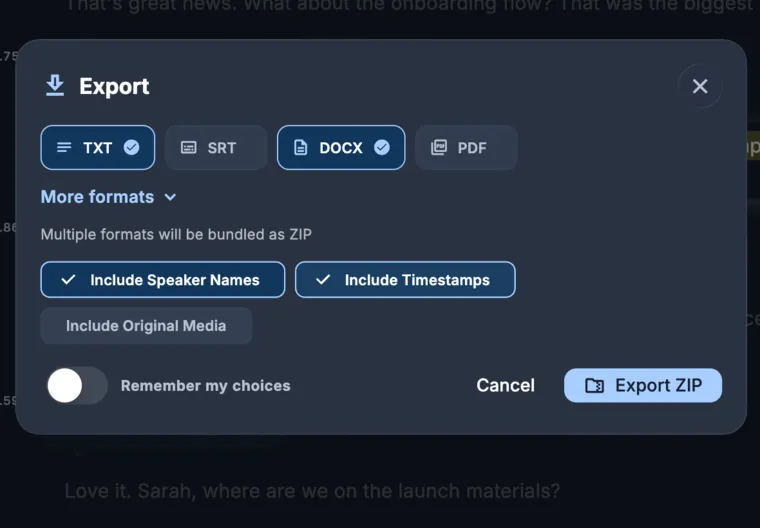
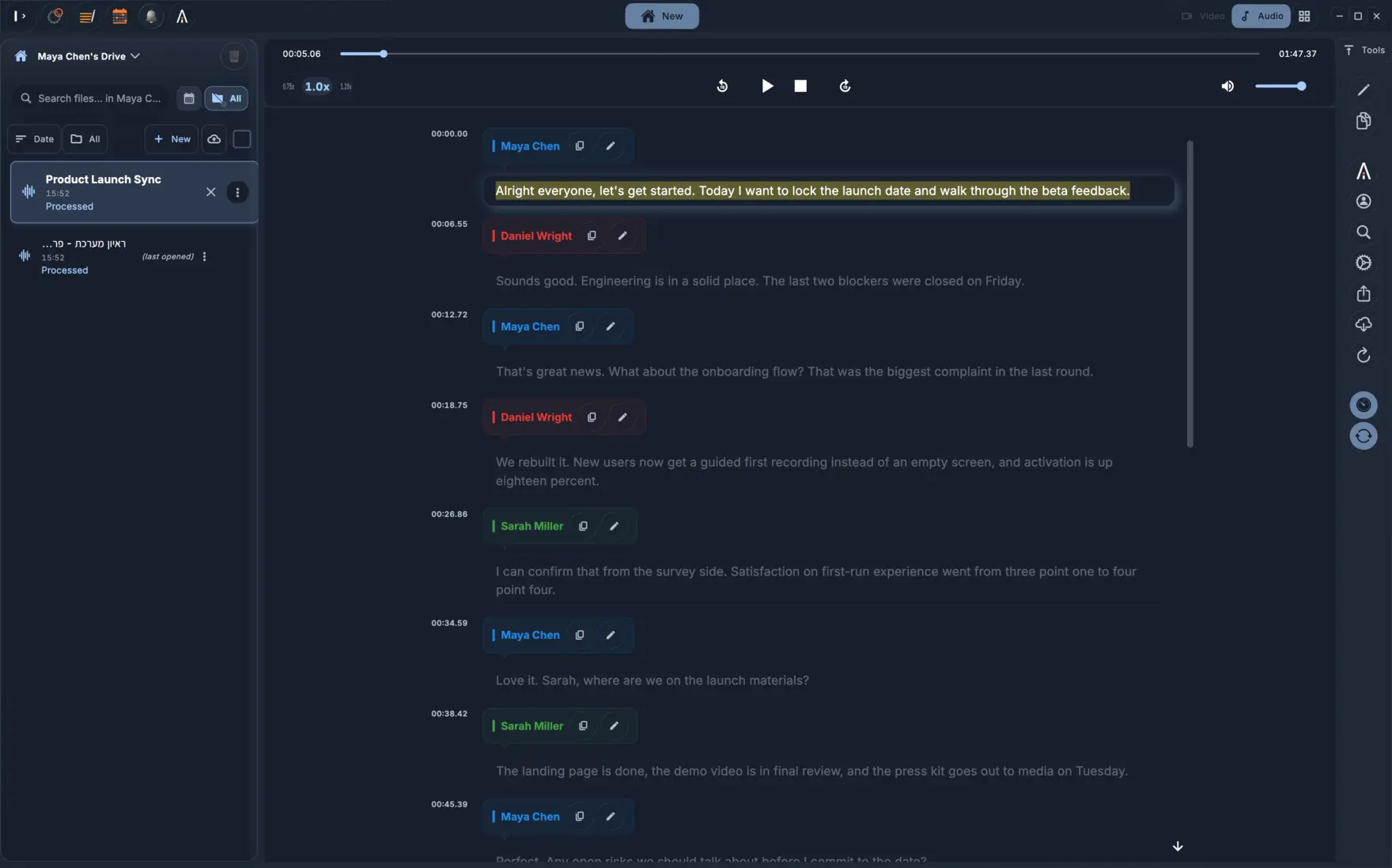
In KolWrite, playback, words, speakers, and timestamps stay together in one workspace, and that structure carries over when you export documents or caption files. Speech recognition will still have uncertain spots. Keeping everything linked just makes those spots easy to find and quick for a person to fix.
Common questions
Is AI transcription the same thing as speech recognition?
Speech recognition is just the step that turns audio into words. A complete transcription product wraps that step in language detection, speaker separation, timing, punctuation, editing, search, and export. In day-to-day work, most of the frustration comes from those surrounding steps rather than the core recognizer.
Why does a wrong transcript often read so well?
Because the decoder uses context to pick a likely sequence of words. If the audio is unclear, a probable phrase wins out over what the person actually said, and the result reads smoothly. Always check names, numbers, and anything you plan to quote against the original recording.
Does support for more languages mean equal quality in all of them?
No. The number of training hours, dialect coverage, and evaluation quality vary widely from one language to another. A language list only tells you the system can process that language, without claiming how accurate it will be.
Do the timestamps come from the same model as the words?
Not always. Separate stages often handle timing, speaker labels, and punctuation. That is how you can end up with the right words attached to the wrong moment in the recording. We check each of those parts separately.
Sources and further reading
- 1Radford et al., Robust Speech Recognition via Large-Scale Weak Supervision
- 2Pratap et al., Scaling Speech Technology to 1,000+ Languages
- 3Zhang et al., Google USM: Scaling Automatic Speech Recognition Beyond 100 Languages
- 4Chi & Bell, Improving Code-switched ASR with Linguistic Information
- 5Turetzky et al., HebDB: a Weakly Supervised Dataset for Hebrew Speech Processing
- 6Hamed et al., Dialectal Arabic-English Code-Switching Speech Recognition